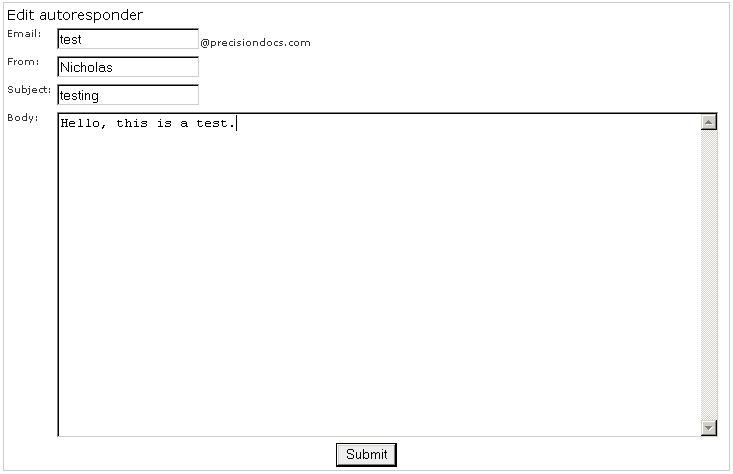
Modify an auto-responder if you need to alter the details of the message or if you set it to the wrong account.
To modify an auto-responder:
Click on the auto-responders link in the Mail Control area.
Click on the button next to the auto-responder that you want to modify.
Edit the Email, From, Subject, and Body fields as required. Refer to Auto-responders if you are not sure what you can do in each field.
Click on the Submit button to submit your changes. Click on the auto-responders link to return to the auto-responders window to confirm that it has been changed.